😊
How to Add Emojis to Photos: Complete Guide
Add expressive emojis to your photos. Perfect for social media and creative projects.
Master the art of adding stickers to photos with our comprehensive sticker library. Learn about all available sticker types and how to use them creatively.
Our sticker library has been carefully curated to provide everything you need for creative photo editing. We've designed custom stickers that work perfectly for various use cases, from professional presentations to social media posts. Each sticker is created as a scalable vector graphic, ensuring they look crisp at any size. The collection includes decorative elements, functional shapes, and fun graphics that can transform ordinary photos into engaging visual content.
Begin by uploading your base image to the editor. Choose a photo that will benefit from sticker embellishment - this could be a portrait, landscape, product shot, or any image you want to enhance. The editor supports drag-and-drop uploads for convenience, and your image will load instantly in the browser without any server processing.
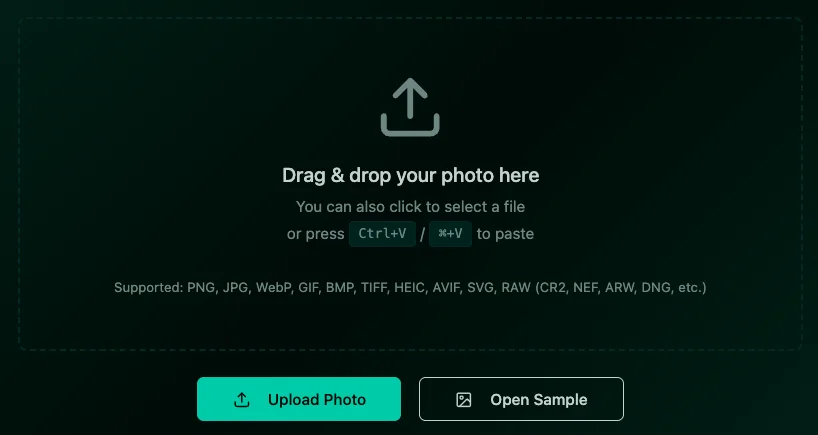
Navigate to the Stickers & Emojis tab to access our complete sticker collection. The library is organized into intuitive categories: Stars & Shapes, Frames & Borders, Speech Bubbles, and Decorative Elements.
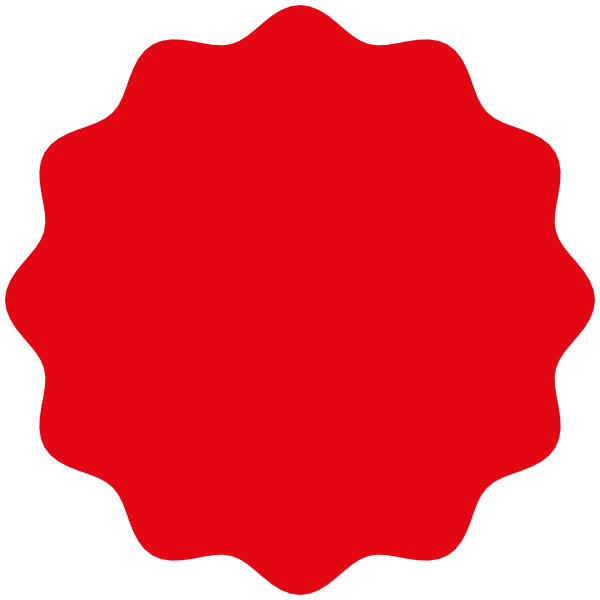
Our star collection includes filled stars, outline stars, burst stars, and shooting stars. These are perfect for highlighting achievements, creating magical effects, or drawing attention to specific areas. The filled stars work great as background elements, while outline stars are ideal for subtle accents. Try layering different star sizes to create depth and visual interest in your compositions.
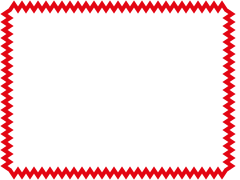
The frame category features stamp-style frames, decorative borders, and geometric outlines. These stickers are excellent for creating professional-looking photo borders, highlighting important sections, or giving your images a polished finish. The stamp frames are particularly popular for creating vintage-style effects, while the clean geometric frames work well for modern, minimalist designs.
Our speech bubble collection includes various styles: classic speech bubbles, thought clouds, callout boxes, and caption frames. These are perfect for creating memes, adding commentary, or providing context to your photos. Each bubble can be customized with text, making them ideal for social media posts, presentations, and educational content.
This category includes arrows, hearts, geometric shapes, and abstract designs. These elements are versatile tools for directing viewer attention, expressing emotions, or adding artistic touches to your photos. The arrows are particularly useful for tutorials and instructional content, while hearts and decorative shapes work well for personal projects and social media.
Master these professional techniques to take your sticker editing to the next level. Layer multiple stickers to create complex compositions, use opacity blending for subtle effects, and combine stickers with our drawing tools for custom designs. The rotation and scaling tools allow for precise positioning, while the duplicate function helps create patterns and symmetrical designs.
Once your sticker-enhanced photo is complete, export it in high quality. Our system preserves all sticker details and transparency, ensuring your creation looks professional across all platforms. The exported PNG format maintains crisp edges and vibrant colors, making your images ready for social media, print, or digital use.
Add expressive emojis to your photos. Perfect for social media and creative projects.
Enhance photos with our comprehensive sticker library. Stars, frames, bubbles, and more.
Add stylish text, captions, and watermarks to your photos easily.